
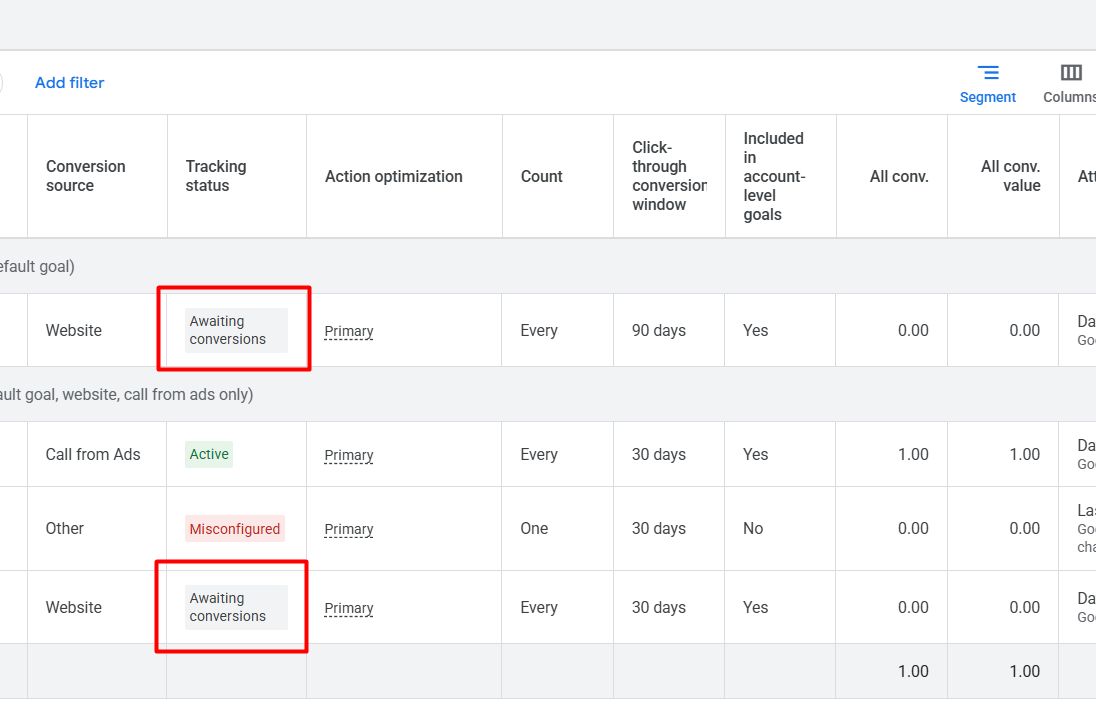
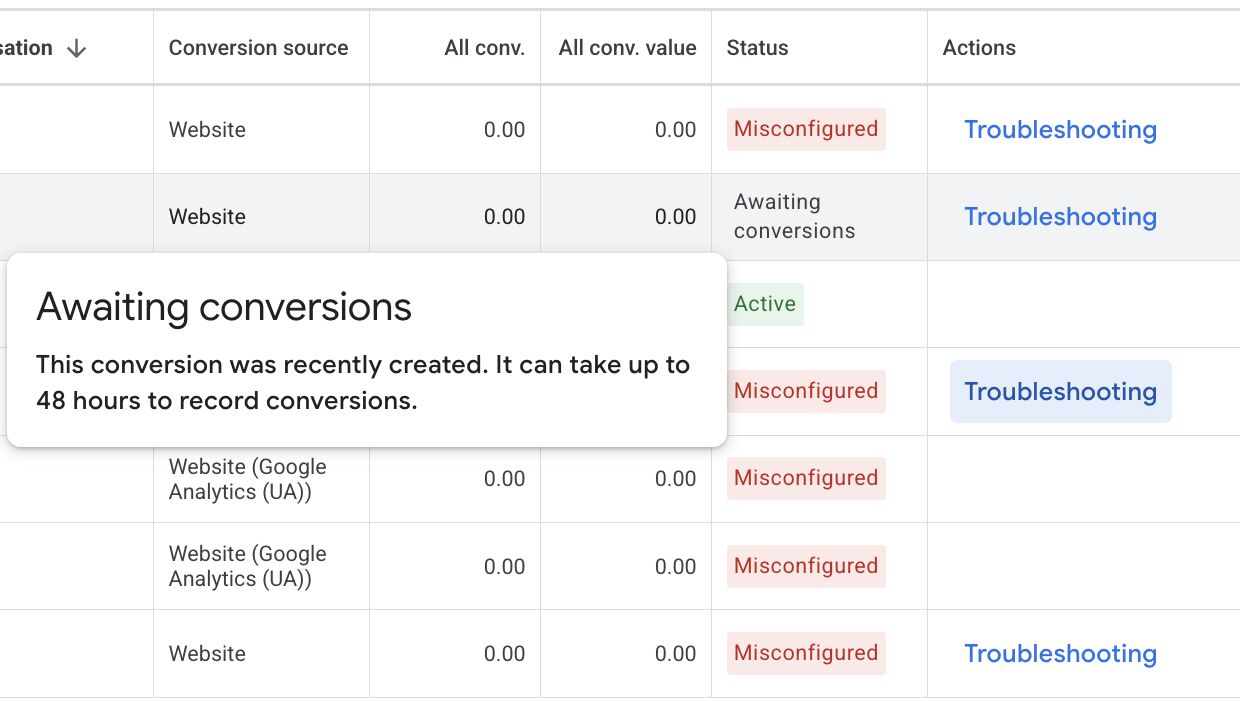
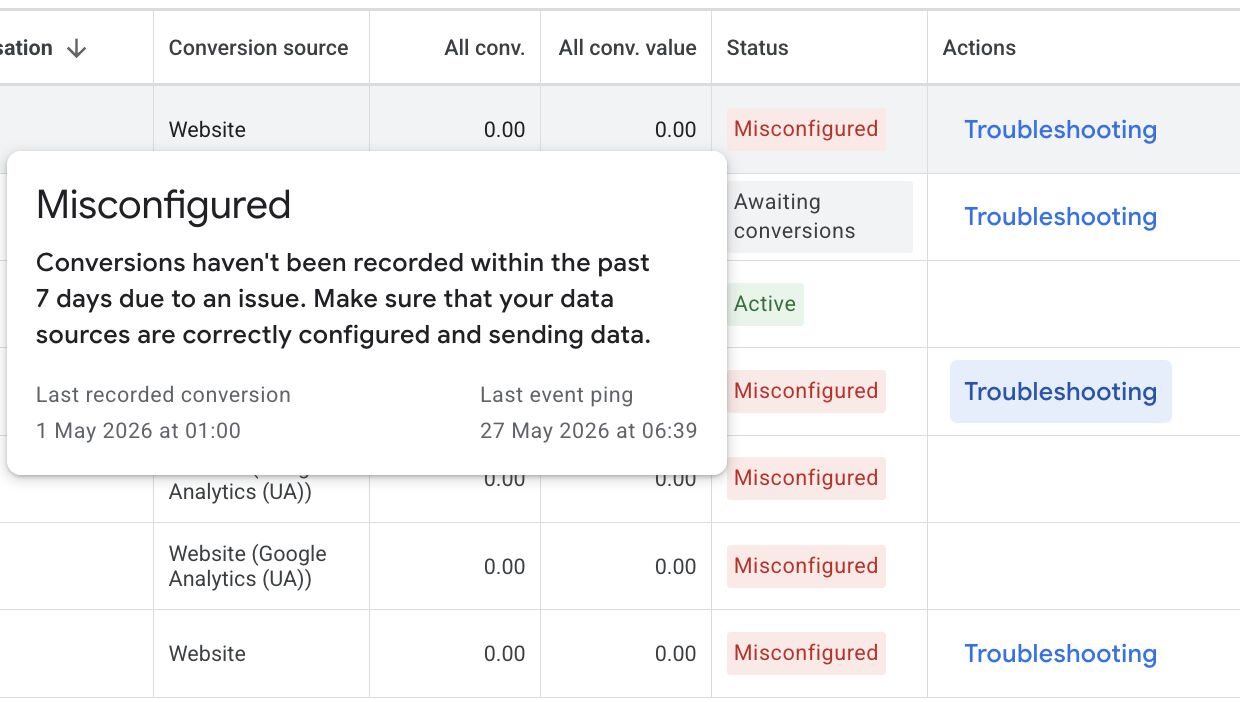
Google Ads has updated the conversion actions overview statuses it shows in the Google Ads user interface. Now there is misconfigured, awaiting conversions and even removed as new statuses, that replaced inactive, no recent conversions and other.
These updates were spotted by both Natasha Kaurra on LinkedIn and Saquib Syed on LinkedIn who shared screenshots of the new statuses.
Here are those screenshots:
And if you look at the updated help document, you will see it now reads:
- Active: An “Active” conversion action overview status is highlighted in green and indicates that everything is working as intended. Hover over the status to view additional details.
- Needs attention: A “Needs attention” conversion action overview status is highlighted in yellow and indicates there are action items to address but haven’t stopped recording conversions entirely. Hover over the status to view additional details and any next steps to take.
- Misconfigured: Conversions have stopped recording entirely due to a setup error or a broken tag. Hover over the status to view the steps to restore your conversion measurement.
- Awaiting conversions: No conversions have been recorded in the last 7 days. This typically means the conversion action was created under 48 hours ago, your campaigns are paused, or website traffic is currently too low to trigger a conversion.
- Removed: The conversion action has been manually deleted or archived and is no longer tracking data.
It previously read:
- Active: An “Active” conversion action overview status is highlighted in green and indicates that everything is working as intended. Hover over the status to view additional details.
- Needs Attention: A “Needs attention” conversion action overview status is highlighted in yellow and indicates there are action items to address. Hover over the status to view additional details and any next steps to take.
- Inactive: An “Inactive” conversion action overview status is highlighted in red and indicates that everything isn’t working as intended. Hover over the status to view additional details.
- No recent conversions: A “No recent conversions” conversion action overview status is highlighted in gray and indicates that there haven’t been any recorded conversions in the last 7 days. Hover over the status to view additional details.
- Other: You can view details by hovering over the “Other” conversion action overview status.
So these seem newish.
Forum discussion at LinkedIn.