Google Ads has rolled out the "Campaign total budget" feature for Performance Max (PMax) campaigns. This was available for other match types and is now available for PMax.
Campaign total budgets are now available for Demand Gen, Search, Standard Shopping, Performance Max, and YouTube campaigns with specific start and end dates.
Thomas Eccel posted about this on LinkedIn crediting Mohamed Hamed (Turki) for the find, and said, "Campaign total budget next to average daily budget update was announced several weeks ago, now its live for PMax campaigns in non-US accounts." He added, "The times where we needed to count the days and divide the total budget into average daily budget are gone!"
Here is his screenshot:
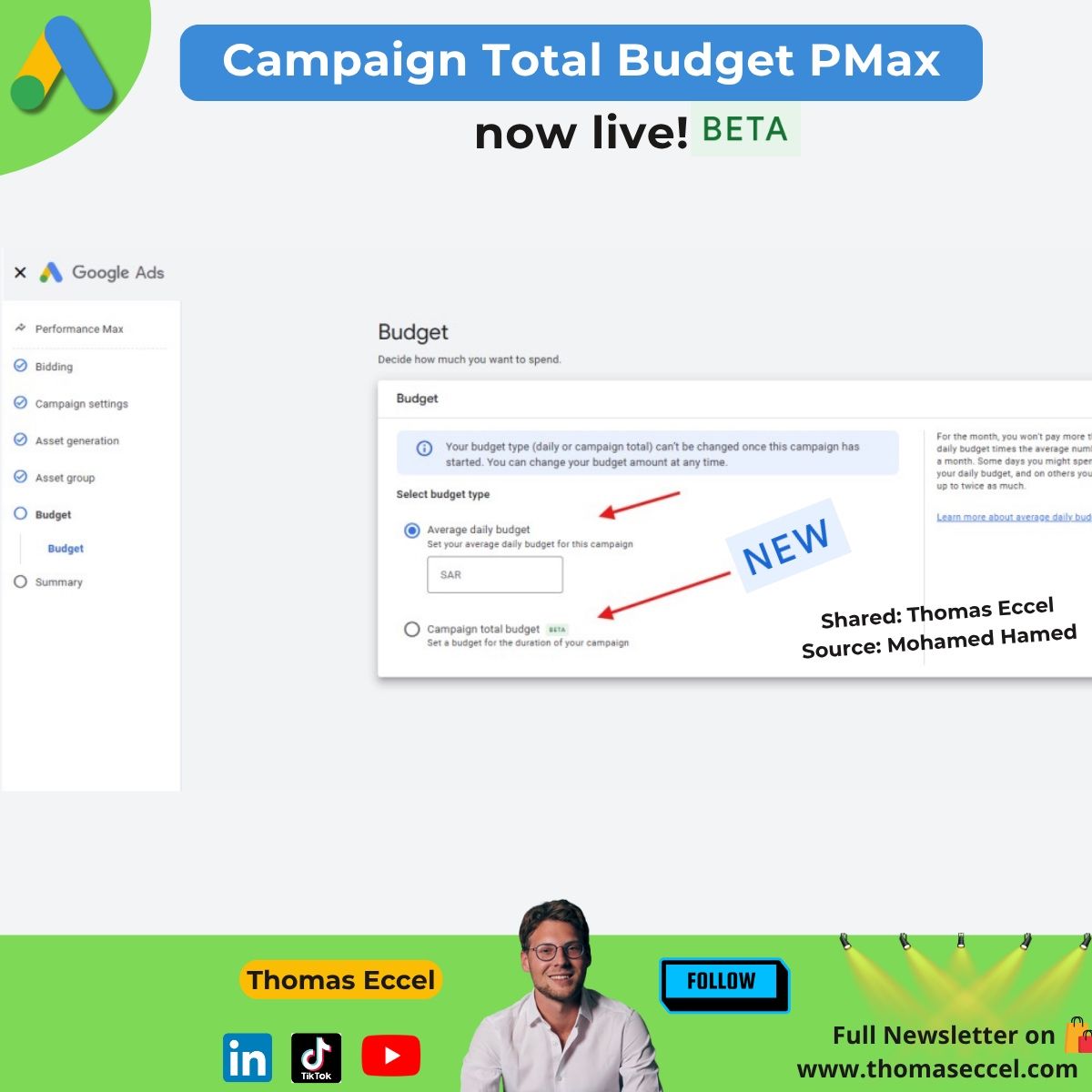
Campaign total budgets option is ideal when you have a set amount you want to spend over a specific period. It takes into account how much has been spent so far and adjusts spending daily to attempt to spend the total budget in the remaining days. There are no daily spending limits, and you will never be charged more than your total budget.
Here is how to use it:
(1) Go to Campaigns within the Campaigns menu Campaigns Icon.
(2) Click on the plus button to create a new campaign.
(3) Follow the steps to set up bidding, campaign settings, and assets.
(4) Under “Budget”, select “Campaign total budget”.
(5) Enter your campaign’s total budget, then determine your campaign’s “Start date” and “End date”.
Your campaign’s “End date” can be adjusted to extend your campaign dates if needed.
Forum discussion at LinkedIn.