Google has updated its Manage customer reviews help documentation to expand and clarify the "Understand what happens to your replies" section. It now specifies why a business reply to a review may be hold, how long it takes and more.
This update was spotted by Hiroko Imai who posted about it on LinkedIn - he said:
The most significant change in this revision, I believe, is how Google has explicitly elevated the "status" of review responses. In this update, it's made clear that responses will be reviewed by Google and won't be published if they don't comply with their policies. This revision may signal that review responses are no longer just casual interactions - they've become official information that is not only read by humans but also processed and restructured by AI.
The updated section now reads:
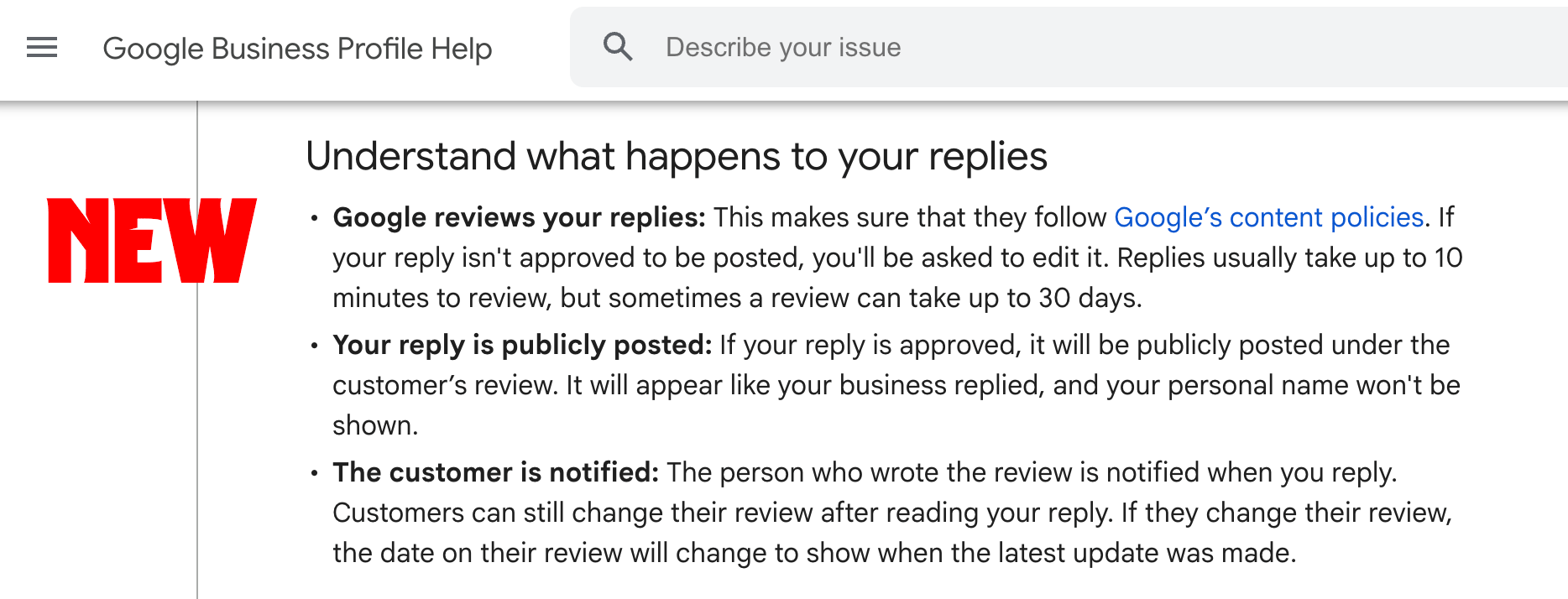
- Google reviews your replies: This makes sure that they follow Google’s content policies. If your reply isn't approved to be posted, you'll be asked to edit it. Replies usually take up to 10 minutes to review, but sometimes a review can take up to 30 days.
- Your reply is publicly posted: If your reply is approved, it will be publicly posted under the customer’s review. It will appear like your business replied, and your personal name won't be shown.
- The customer is notified: The person who wrote the review is notified when you reply. Customers can still change their review after reading your reply. If they change their review, the date on their review will change to show when the latest update was made.
It previously read:
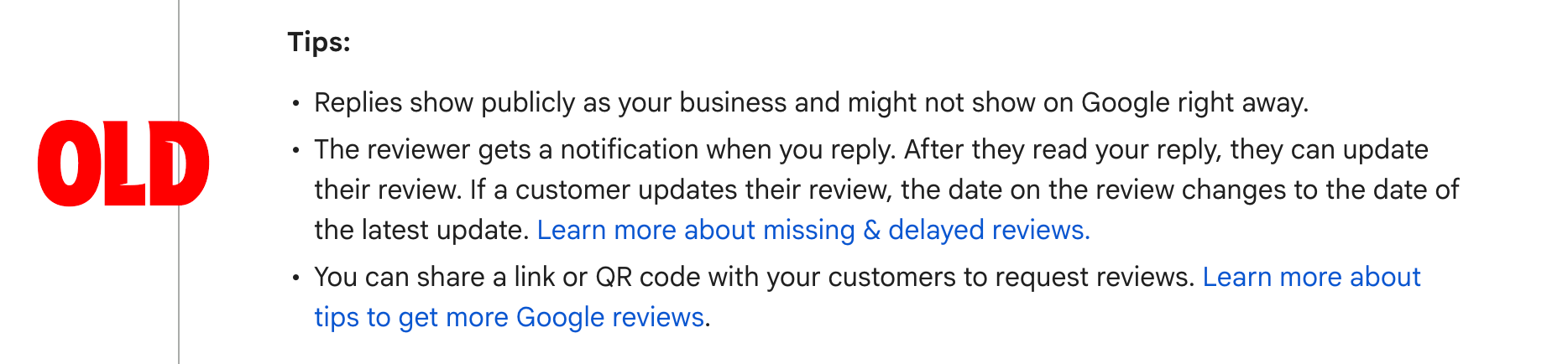
- Replies show publicly as your business and might not show on Google right away.
- The reviewer gets a notification when you reply. After they read your reply, they can update their review. If a customer updates their review, the date on the review changes to the date of the latest update. Learn more about missing & delayed reviews.
- You can share a link or QR code with your customers to request reviews. Learn more about tips to get more Google reviews.
Here is a screenshot of before and after:
Forum discussion at LinkedIn.