
Google added some new nuggets to its Google Ads help documentation on about conversion measurement, specifically on phone call conversions and offline conversions.
Google added two new paragraphs to the help document with some useful nuggets on both phone call conversions and offline conversions - these updates include:
Phone Call Conversions:
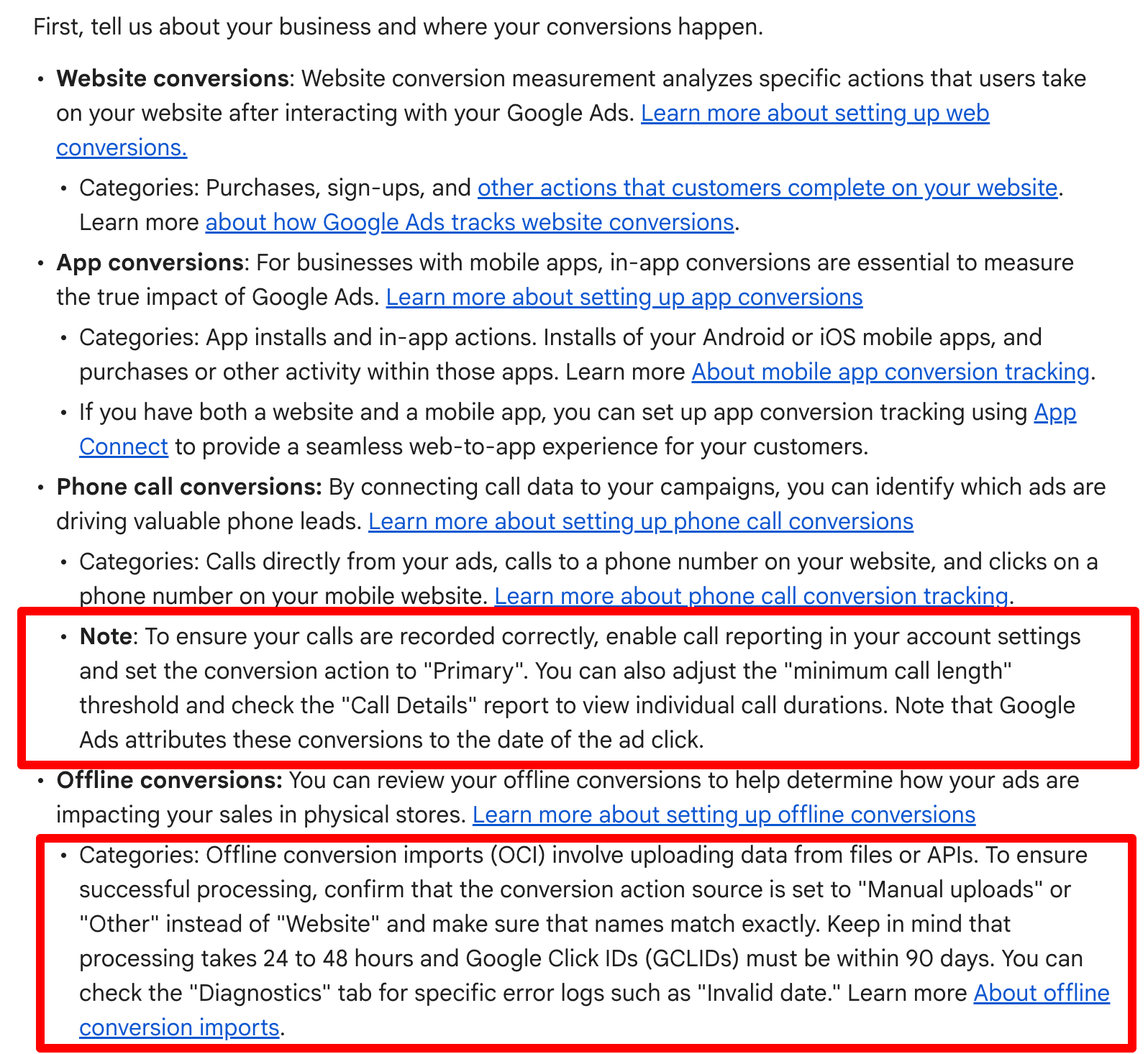
Note: To ensure your calls are recorded correctly, enable call reporting in your account settings and set the conversion action to "Primary". You can also adjust the "minimum call length" threshold and check the "Call Details" report to view individual call durations. Note that Google Ads attributes these conversions to the date of the ad click.
Offline Conversions:
Categories: Offline conversion imports (OCI) involve uploading data from files or APIs. To ensure successful processing, confirm that the conversion action source is set to "Manual uploads" or "Other" instead of "Website" and make sure that names match exactly. Keep in mind that processing takes 24 to 48 hours and Google Click IDs (GCLIDs) must be within 90 days. You can check the "Diagnostics" tab for specific error logs such as "Invalid date." Learn more About offline conversion imports.
Here is a screenshot showing where this was added:
You may want to take these steps if you use either phone call conversions and offline conversions in Google Ads.
Forum discussion at X.