We have several business owners complaining in two different Google Maps Help Threads that the upload picture feature in the Google Local Business Center is not working.
Basically, they are trying to upload pictures to their business listing but they keep getting an error returned that says, "We are unable to store your image at this time" or "Image Not Available."
I personally tried this yesterday and it worked fine for me using Apple's Safari browser. But many folks are having issues, so I don't think I should dismiss it now.
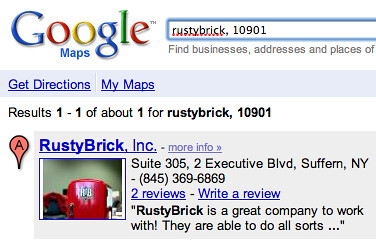
In fact, the picture I uploaded yesterday is already visible on my business listing. To see it, go to rustybrick, 10901 in Google Maps, see the screen capture below or the embedded live map below:
So, I am, not sure if this is a wide spread bug or if it is impacting only some account or some browsers.
Forum discussion at Google Maps Help Threads.