

Microsoft Advertising has rolled out a new feature named Product Explorer. This tool gives advertisers a searchable view of your entire product catalog, letting you quickly see which of your products are active, serving, and performing.
Navah Hopkins, the Microsoft Ads Liaison, posted about this on LinkedIn and wrote, "By using Product explorer, you can identify products serving (and performing) as well as get recommendations to get products back to serving with Recommended Actions tab. " You can also export the list from this tool to do offline work, if you are ever offline.
This feature is currently available for US advertisers working with less than 100,000 SKUs/products.
Here is the screenshot Navah Hopkins posted:
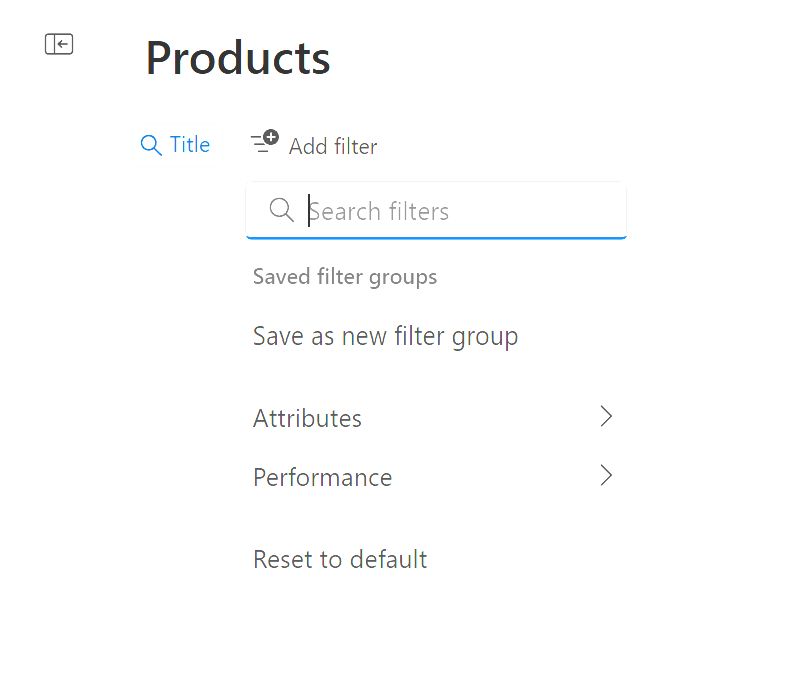
Here is the full list of traits you can use to filter products by:
- Title
- Status
- Product ID
- Price
- Languages
- Feed label
- Brand
- GTIN
- MPN
- SKU
- Product type
- Category
- Condition
- Availability
- Custom label
Here are the performance metrics you can use to filter products:
- Impressions
- Clicks
- Conversions
- Spend
- CTR
- Conversion rate
The Title can also be filtered with these traits:
- Contains
- Does not contain
- Starts with
- Ends with
- Equals
- Does not equal
Anu also covered this a bit earlier on Search Engine Land.
Forum discussion at LinkedIn.


