Google has announced they are now publicly launches AdSense for Mobile. We have been asking for it for a while now, and they began testing AdSense for Mobile in July and now it is here for everyone.
Here is a step by step, on how to set up AdSense for Mobile.
(1) Login to your AdSense account at google.com/adsense/.
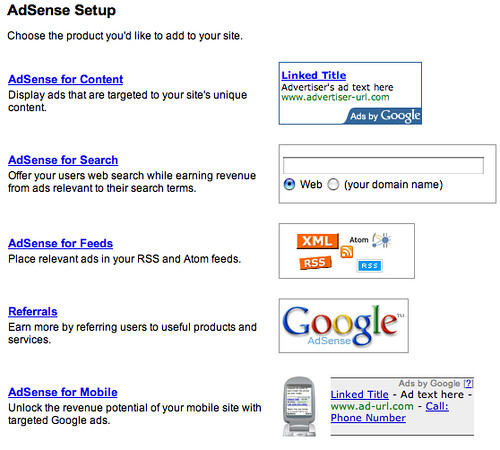
(2) Click on AdSense Setup and you will see the AdSense for Mobile option at the bottom:
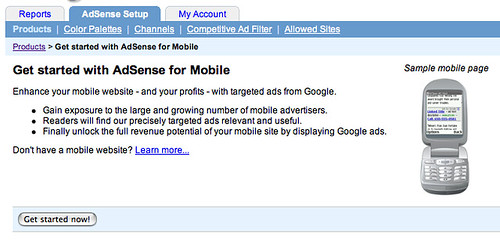
(3) Click on "Get Started" on the next page:
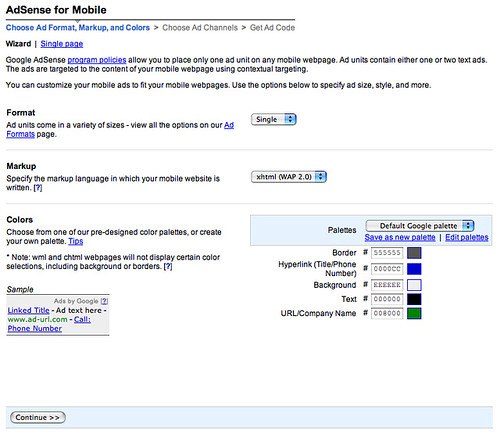
(4) Define your ads format, markup and colors on this page:
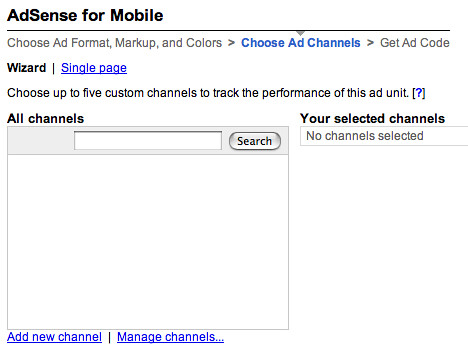
(5) Define a channel to track your mobile ads:
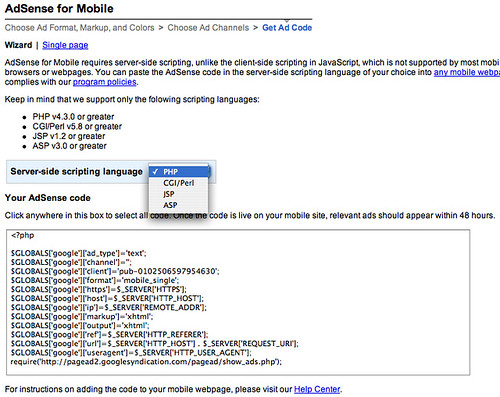
(6) Select your server side scripting language and copy and paste the code into your mobile pages:
Some more details at AdSense Help and at Search Engine Land.
Forum discussion at DigitalPoint Forums and WebmasterWorld.