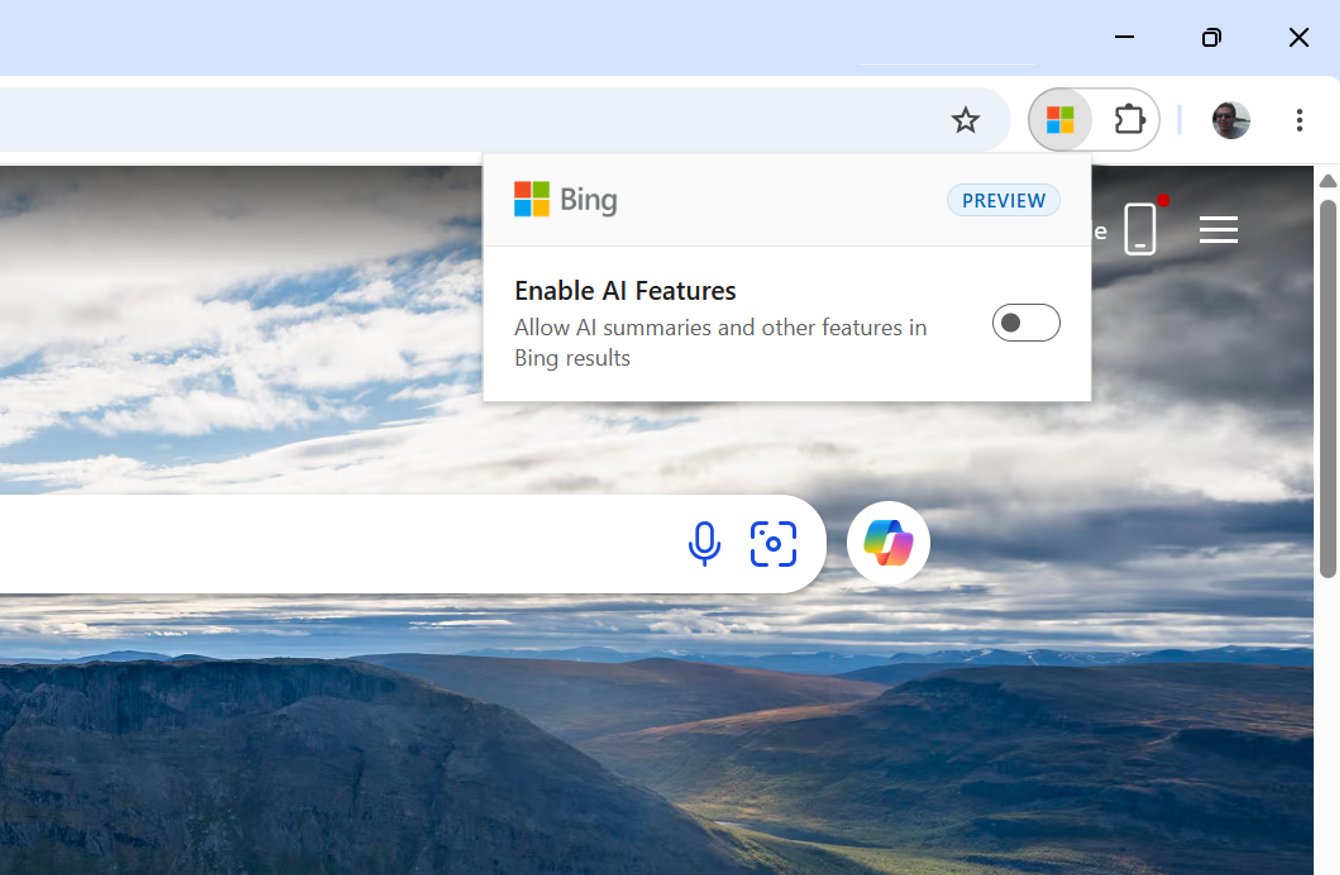
Microsoft Bing announced a new way to disable the Copilot, Microsoft AI, responses from showing up in the Bing search results. There is a new browser extension available for Chrome and Edge that you can install to toggle off showing AI responses, or you can just add -ai to the end of your query.
Jordi Ribas, the President, Head of Search at Microsoft, wrote on X about this saying, "We just shipped a preview extension in Bing that lets you toggle AI chat-like features on or off with just one click."
"It’s a simple but important step we’re taking to ensure that our users always feel confident they have a choice in the search experience we’re providing," he added.
Here is a screenshot of this extension:
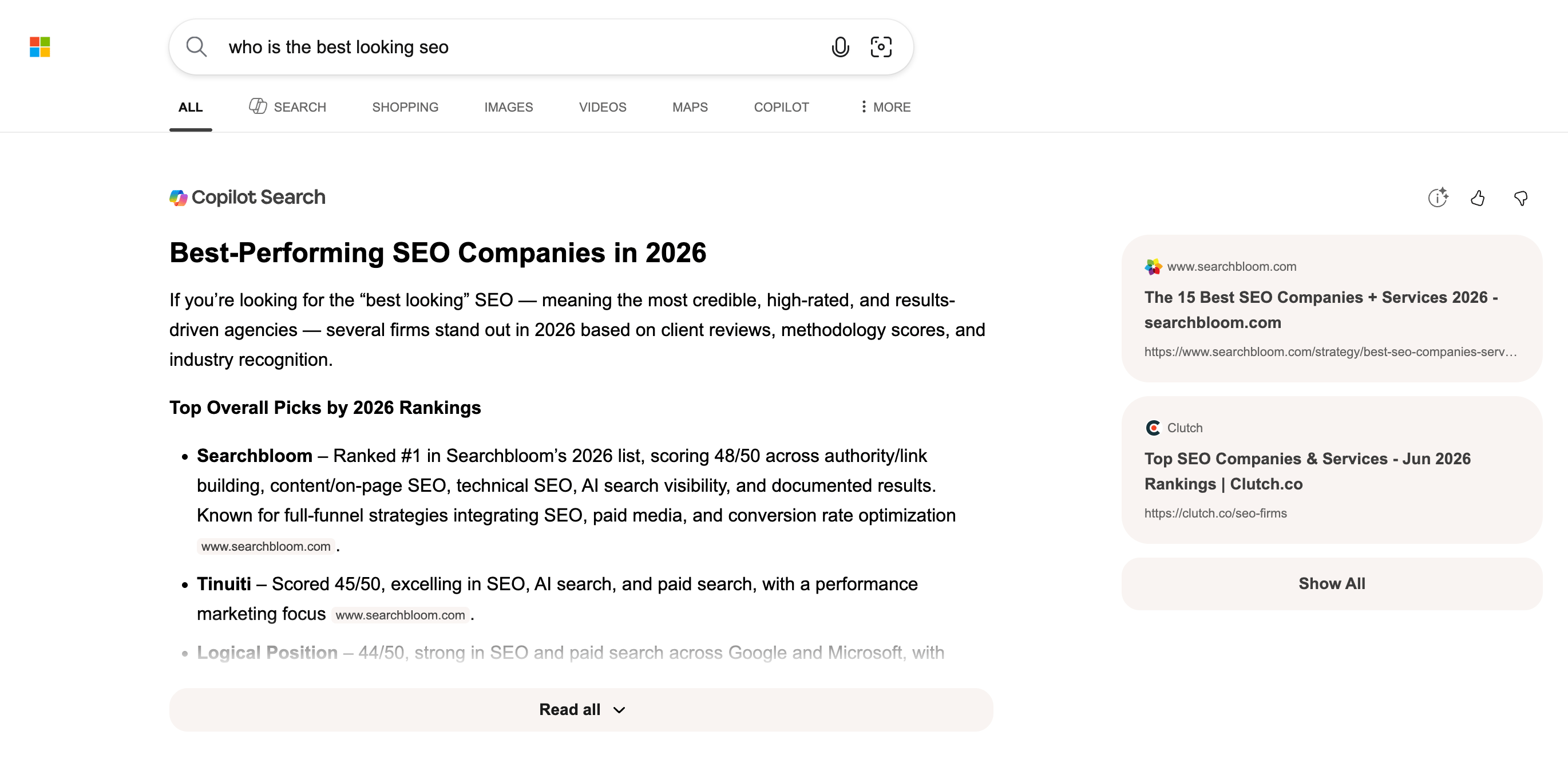
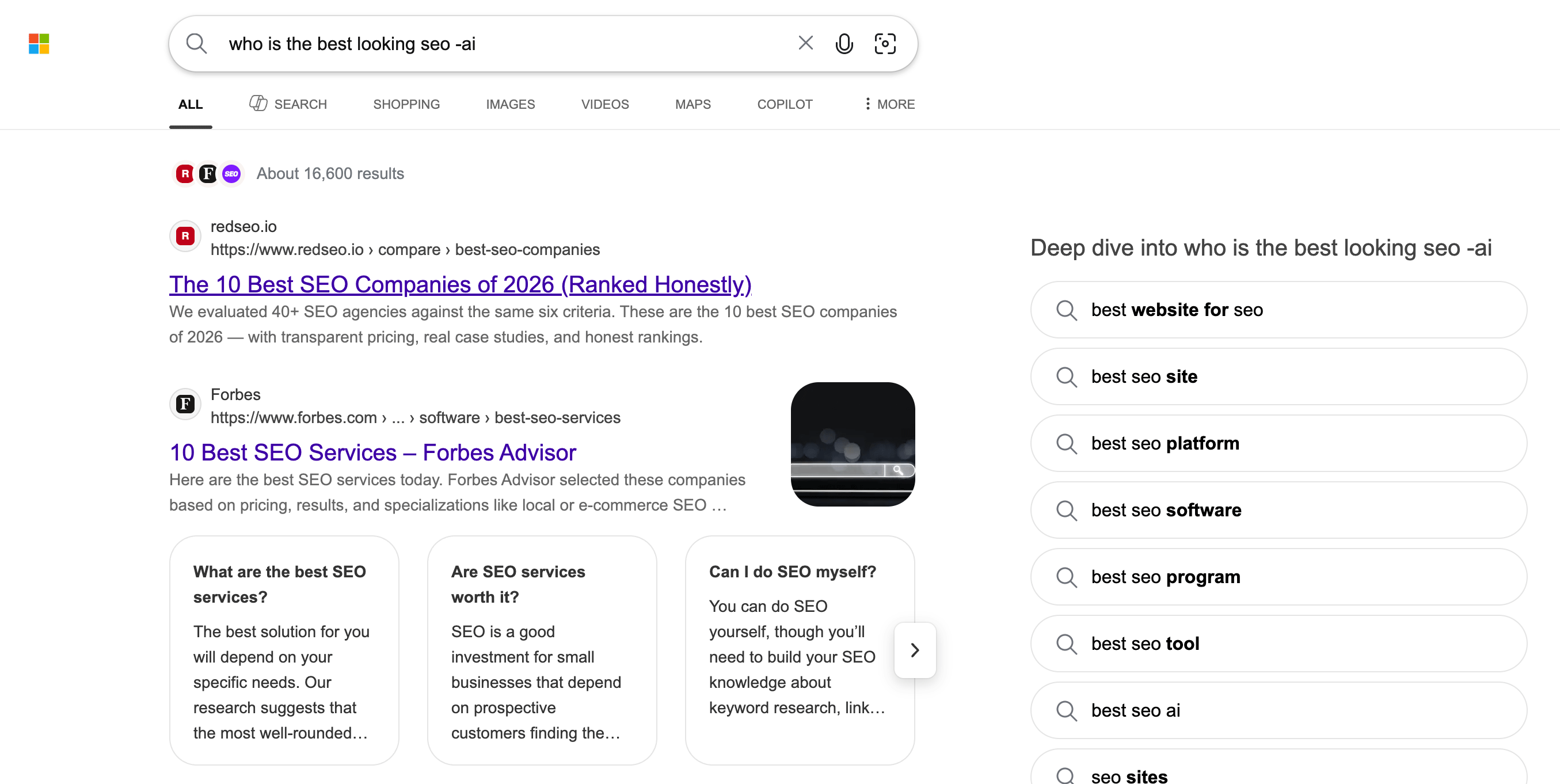
You don't need to use the extension, you can also append -ai to your query to do the same thing. For example, here is a normal query without the -ai:
Now the same query with the -ai:
Jordi Ribas added:
AI is doing powerful things for search, but research tells us that not everyone wants to use AI for everything all the time. With this extension, you decide which experience is right for you in the moment. I’m proud of the AI experiences we’re building in Bing - I’ve also always taken pride in listening to our users to create products that truly work for them.
DuckDuckGo recently saw a huge surge in usage because it does not include AI-generated responses in its search results. I guess Microsoft wants to have it both ways?
Here is the Chrome extension and here is the Edge extension.
Some are asking, why build an extension to do this, why not just have a toggle or a setting in your account. Here is how Michael Schechter from Microsoft responded to that:
We’re looking to better understand what people are looking for with features like this. The extension lets the most interested users show us the right path forward.
— Michael Schechter (@mikeschechter) June 7, 2026
Looking for feedback from dedicated users (which is why it’s in preview) to figure out how to best integrate such functionality more generally into the product
— Michael Schechter (@mikeschechter) June 5, 2026
Forum discussion at X.