

Google announced it will replace the "Ad networks" blocking control from Brand safety within in AdSense with a new "Authorized Buyers" blocking control. This will start on November 6, 2025, the company said.
Google said as part of these changes they will also remove the "Automatically allow new Google-certified ad networks" control. Going forward new authorized buyers will be allowed by default.
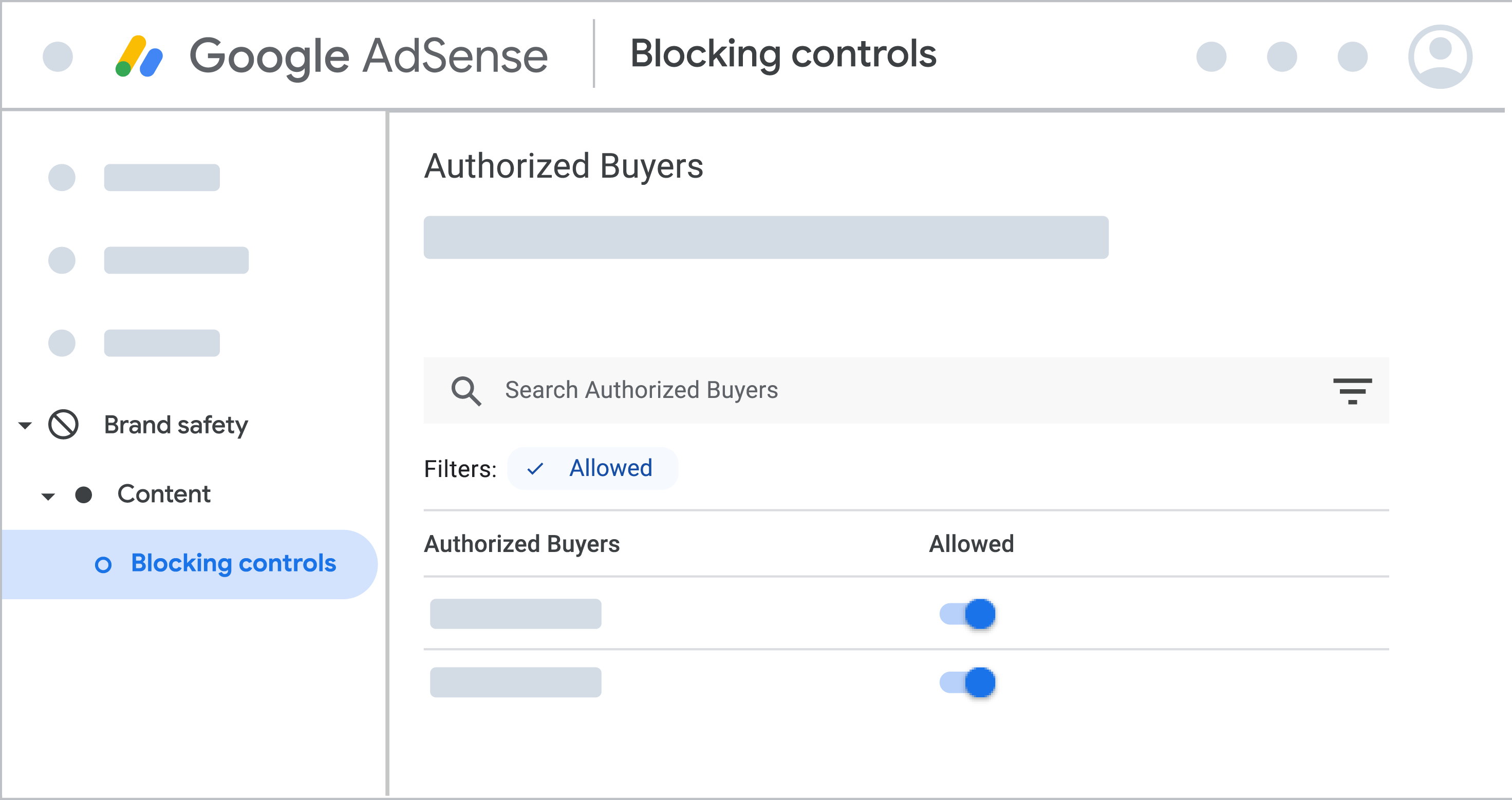
"Starting November 6, 2025, we'll be removing the "Ad networks" blocking control from Brand safety and adding a new "Authorized Buyers" blocking control. This new control won't include any inactive ad networks, test ad networks, or Display & Video 360 (DV360) networks," Google added.
Here is a screenshot from Google of this feature:
Google added:
On the "Authorized Buyers" page you can allow or block certain authorized buyers from bidding on the inventory on your site. You will also have better visibility into the parent-child relationships between authorized buyers and more control over them.
You can still use the "Automatically allow new Google-certified ad networks" control. If you currently have this control turned off, you might want to turn it on now to get used to the upcoming change.
You'll still be able to change the status of ad networks under Blocking controls > Ad networks. Any changes you make until the final day of the launch will be preserved and visible under Blocking controls > Authorized Buyers.
You can access a view-only version of the "Authorized Buyers" page to familiarize yourself with the controls. To access the page (after November 6th):
- Sign in to your AdSense account.
- Click Brand safety.
- Click Content, then Blocking controls.
- Click Authorized Buyers.
Forum discussion at X.


