A Bing Forum thread asks if there is a way to update the quick preview box (more info box) found on some of the search results in the Bing search page. The quick preview box is the box on the right side of the search result listing that pops up when you hover your mouse over a listing. Here is a picture:
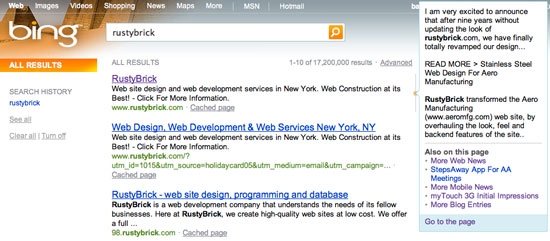
The first listing for a search on [rustybrick] at Bing is showing not the most optimal information in that quick preview. Here is a screen shot:

The second listing is the same URL, but with tracking parameters added on and for some reason, the quick preview box has much more optimal text:
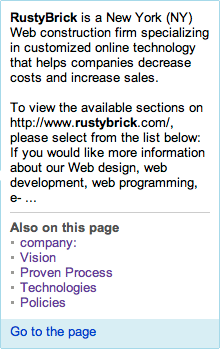
Wouldn't it be nice to be able to change the information shown in this box? That is what people are asking in the Bing Forum thread. In fact, Bing representative Brett Yount said it might be coming to a Bing Webmaster Tools section near you. Brett said:
Currently there is no way to change that information. That may change in the next release, but I do not have an ETA.
Now that would be a neat feature.
Forum discussion at Bing Forum.